
Once you have applied, you can track everything online. This guide explains the Kusum beneficiary login and how to check your PM-KUSUM application status in Maharashtra.
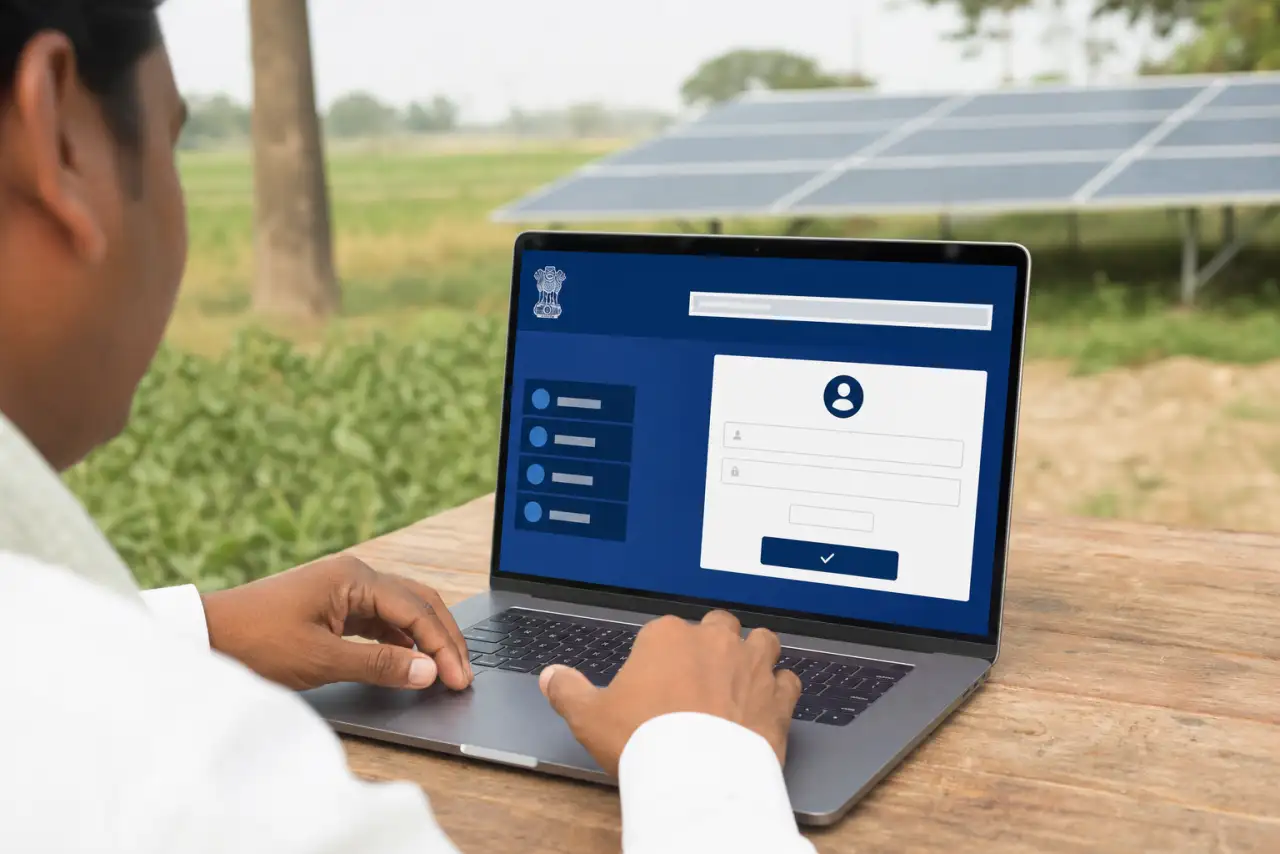
How to log in
Open beneficiary portal
Visit the official Mahaurja Kusum beneficiary login page (link below).
Enter mobile / number
Log in using your registered mobile number or application/beneficiary number.
Verify OTP
Enter the OTP sent to your registered mobile to access your dashboard.
View status
See application stage, document verification, payment and installation updates.
What the status stages mean
- Submitted: Your application is received.
- Shortlisted / Approved: You are selected; expect an SMS to pay your share.
- Payment done: Beneficiary contribution received.
- Survey / Installation: The vendor surveys your site and installs the pump.
Using the MEDA beneficiary app
For payments, the official process uses the MEDA beneficiary mobile app: download it, log in with your mobile number, verify OTP and make payment only through the official channel.
हिंदी में सारांश
आवेदन की स्थिति देखने के लिए आधिकारिक kusum.mahaurja.com/beneficiary पोर्टल पर अपने मोबाइल नंबर से लॉगिन करें, OTP डालें और डैशबोर्ड पर स्थिति देखें। भुगतान केवल आधिकारिक MEDA ऐप/पोर्टल पर ही करें, किसी एजेंट को OTP न दें।
Troubleshooting login and OTP issues
If Kusum beneficiary login fails, first confirm you are on kusum.mahaurja.com and not a copycat site. Use the same mobile number registered during application. OTP delays are common during peak hours — wait a few minutes before retrying. If your number changed, use official grievance channels listed on MEDA rather than sharing Aadhaar copies with agents.
Keep your application ID, payment receipt and vendor allotment letter safe. These are needed for warranty claims and repair requests during the guarantee period.
Understanding payment and installation status
After scrutiny approval, the portal may show a pending beneficiary contribution. Pay only through the official payment gateway linked from the portal. Once payment clears, vendor assignment and site survey begin. Installation should be by an empanelled vendor for your district and scheme. If status is unchanged for several weeks, contact MEDA support with your application number.
New applicants should read how to apply online, the Maharashtra scheme overview and subsidy explainer before registering.
SMS alerts and payment receipts
Official SMS messages about shortlisting and payment almost always reference the Mahaurja domain. Save PDF or screenshot receipts after online payment. These help if vendor allocation is delayed or if you need warranty service later.
Vendor handover and warranty documents
After installation, collect system capacity stickers, warranty card, vendor seal and pump commissioning report. These documents support free repair visits during the guarantee window and help if subsidy audit teams request proof of completion.
Changing registered mobile number
If your mobile number changed after application, use official grievance channels with Aadhaar and application proof. Avoid sharing OTPs with village-level intermediaries claiming to speed up status updates.
Screenshot each status change in the beneficiary portal with the date visible. This helps if you need to escalate a stalled installation.
Contact MEDA support with your application ID if status does not change for more than a few weeks after payment.
Use only the official beneficiary login URL printed on MEDA notices, never forwarded shortened links.
After login, note the displayed application stage and compare it with SMS messages before making any payment. Mismatched instructions are a common sign of phishing attempts targeting Kusum beneficiaries.
Bookmark the official portal and check status weekly during the scrutiny season.
FAQ
Haven’t applied yet? See how to apply online and the complete PM-KUSUM guide.